

FTP Integration
Data backup means creating a copy of the data on your system that you can use for recovery in case your original data is lost or corrupted. You can also use backups to recover older versions of files if you have deleted them from your system.
We now offer hourly backups for all your diagrams to safeguard your work even more effectively. You can rest assured that your most recent edits are securely backed up.
To set up FTP backup, follow these steps:
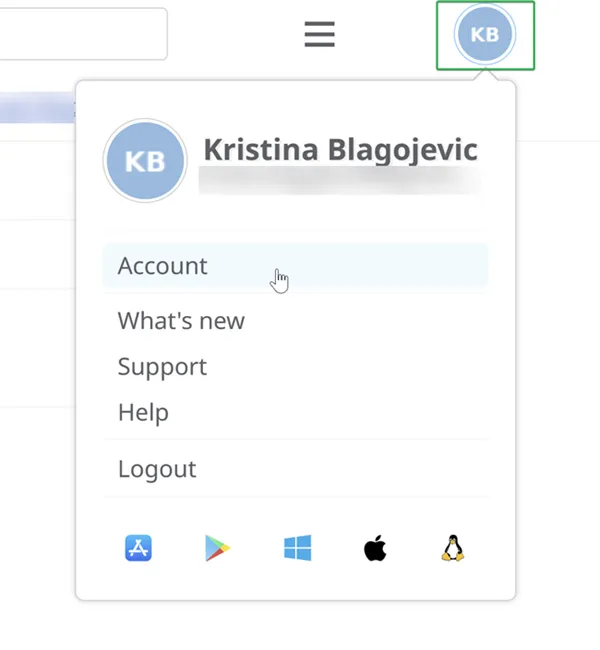
- Click on your initials/picture in the top right corner of the dashboard, then select Account.
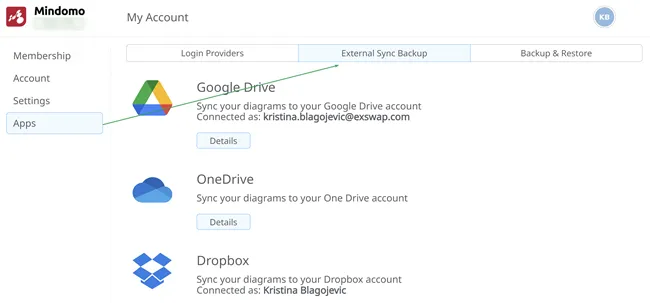
- Click on Apps and then on External Sync Backup.
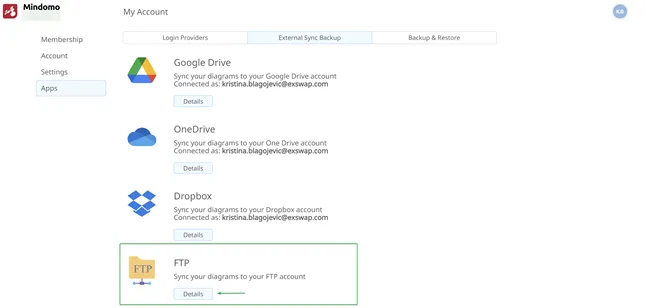
- Click on the Details button.
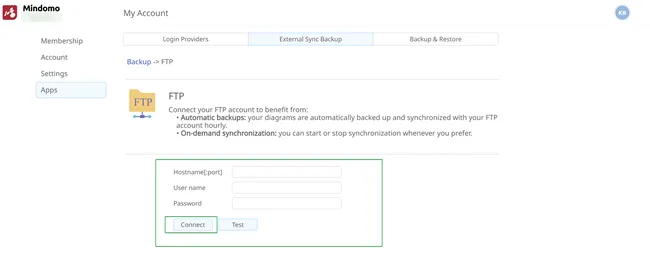
- Fill in the FTP connection details and click on the Connect button.
- Your maps will be backed up hourly, and you will be able to see the status.
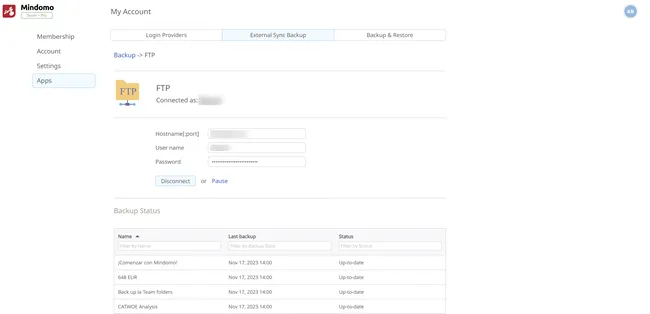
- If you no longer want to back up your maps to FTP, click on the Disconnect button.
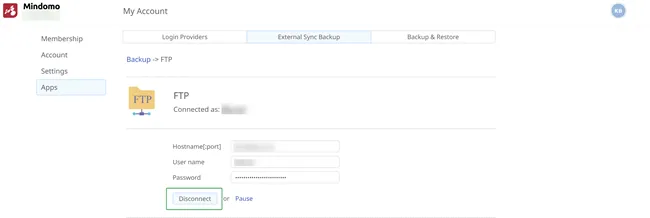
If you click on the Pause button, new diagrams will not be automatically synchronized to FTP. To resume automatic synchronization, click on the Synchronize all your diagrams button.