
Evernote Integration
To integrate your Evernote account with Mindomo, you first need to grant Mindomo access to your Evernote data. Once connected, you can easily view your Evernote notes within your mind maps and include them as subtopics to enrich your maps with relevant information.
How to grant access from Mindomo to your Evernote account
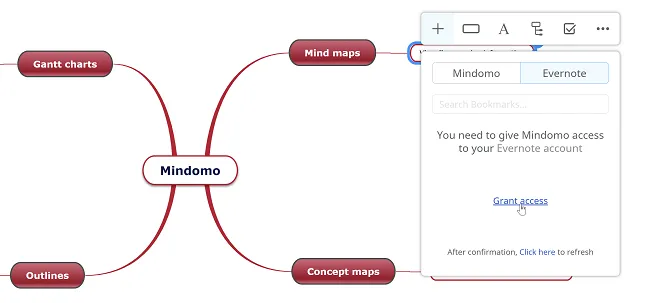
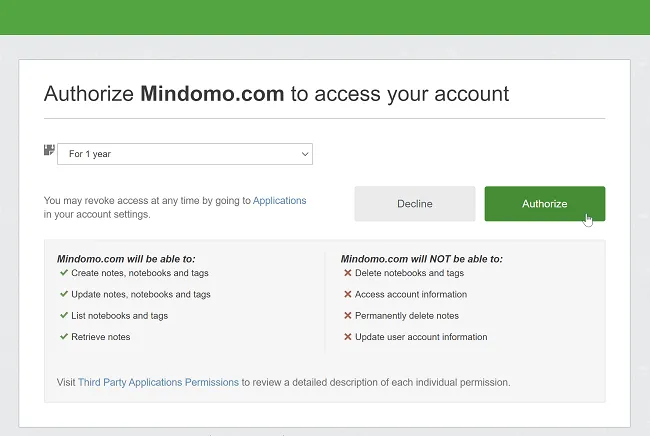
Section titled “How to grant access from Mindomo to your Evernote account”To connect Mindomo to your Evernote account, you need to grant access to it.

How to view Evernote notes on a mind map
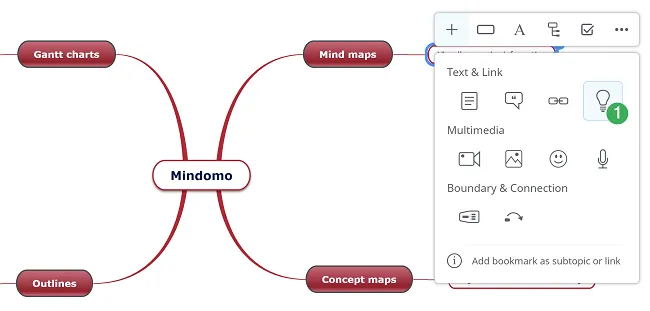
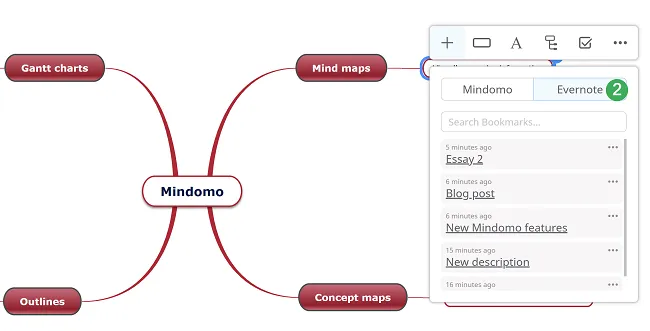
Section titled “How to view Evernote notes on a mind map”- Select the Mindomo Bookmarks light bulb (1) from the context menu.
- Select Evernote (2) to view your notes from Evernote.
How to include Evernote notes in a mind map
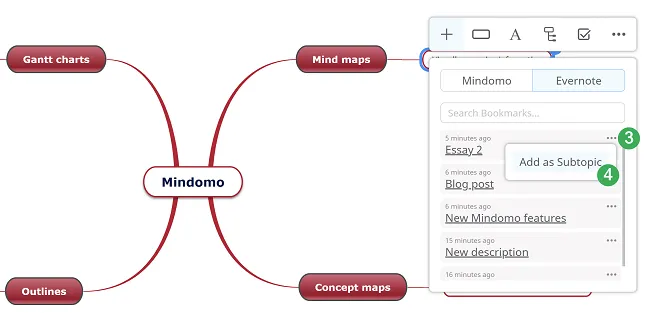
Section titled “How to include Evernote notes in a mind map”Choose the note you want to insert as a subtopic by clicking on the drop-down menu on the right, then click on Add as Subtopic.