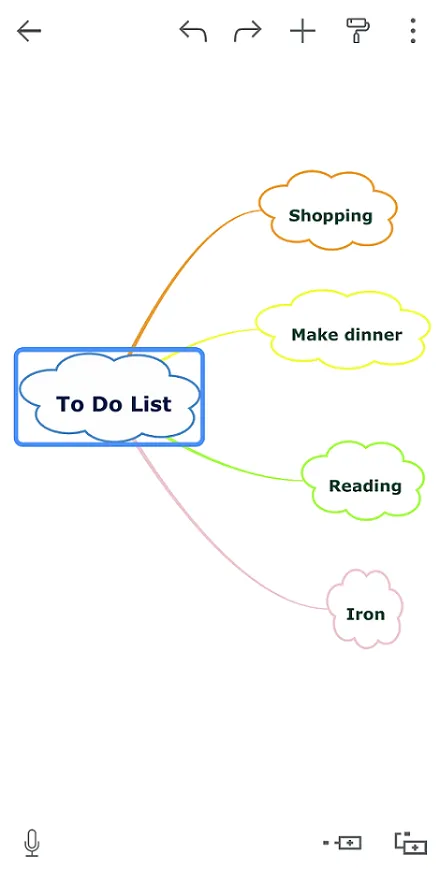

Opening mind maps
This section guides you through the process of opening a shared Mindomo map from various devices. Whether you are using a computer, an iOS device, or an Android device, follow the steps below to access and begin editing the shared mind map efficiently.
From your computer
Section titled “From your computer”- Check your e-mail account.
- Download the attached
.momor.pmomfile. - To open the attached file, you can either:
-
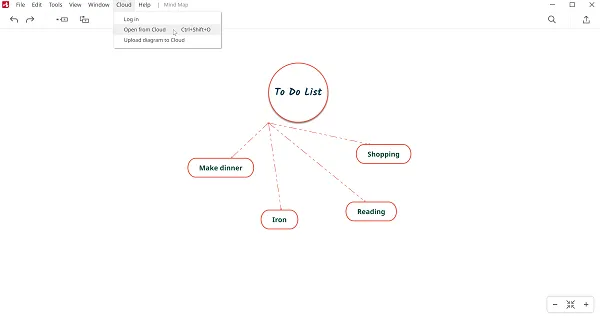
Install Mindomo Desktop. Double-click the attached file, or open the desktop application and, from the left toolbar, click on Open from Cloud:
-
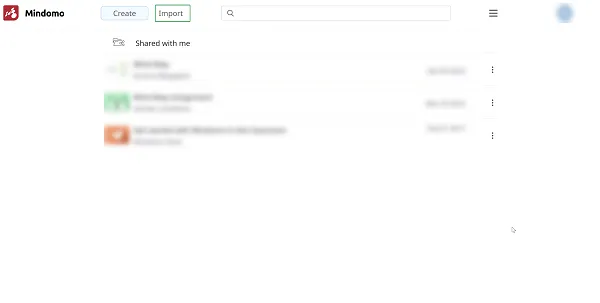
Log in to your online Mindomo account and, from the dashboard, click on Import to upload the downloaded file to your Mindomo account.
-
From your iOS device
Section titled “From your iOS device”-
Download the Mindomo app from the App Store.
-
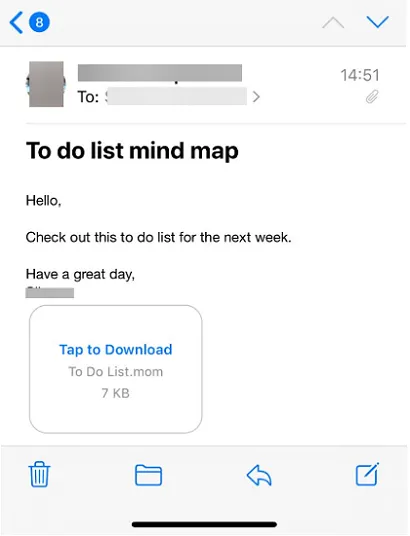
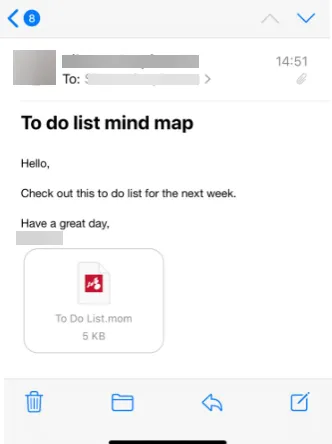
Open the Mail app and tap the e-mail containing the attached file.
-
Tap the attached file to download it.
-
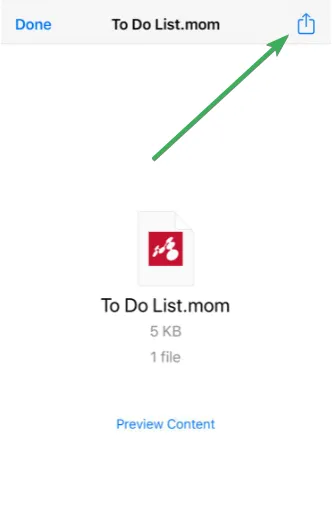
Tap the downloaded file, then tap the Share icon in the upper-right corner.
-
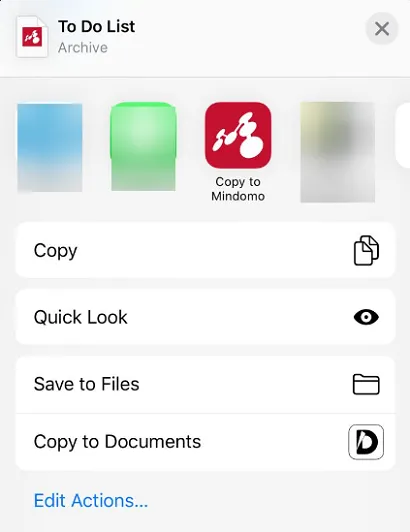
Select the Copy to Mindomo option.
From your Android device
Section titled “From your Android device”-
Download the Mindomo app from the Play Store.
-
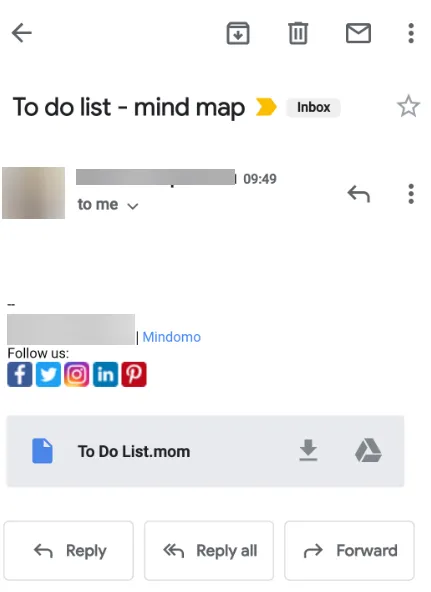
Check your e-mail account.
-
Tap the attached file.
-
A copy of the mind map will be automatically created and opened in the Mindomo app, ready for editing.